A LITTLE HELP
Let’s get you back to the table.
A question, a strange bounce, or an idea for the next round? We’d love to hear from you.
Pull up a chair.
Email the developer for support or feedback. For a bug, include your device, iOS version, app version, and what happened. A screenshot helps; leave out personal information.
hong.zhou.zhouh@gmail.comSend an emailA few useful answers.
How do I roll or throw?
Tap a die or coin, then tap Toss at the bottom. Tap an empty area and use Toss All to throw eligible unlocked objects together. Press and hold an object to move it; release after a quick swipe to throw it.
How does the cannon work?
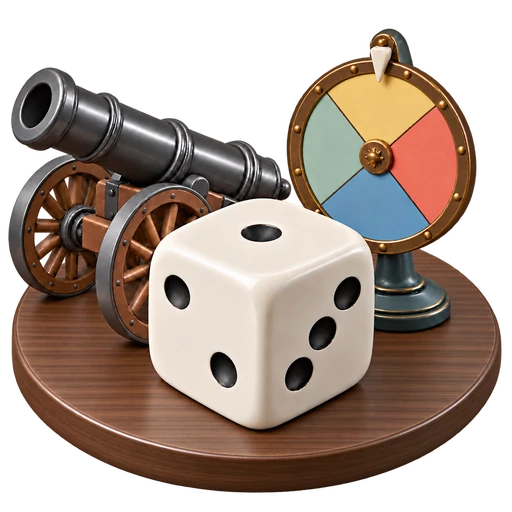
Press and hold a die, then drag it toward the cannon. Release when the pale green ring appears. Select the cannon and tap Fire or Fire All.
Where are my scenes?
Scroll the controls at the top right to find New Scene, Load, and Save. The app also saves your current table automatically when you leave. Scenes stay on your device; there is no app-managed cloud sync.
What does Premium unlock?
A one-time in-app purchase unlocks more objects, materials, and spaces, custom text on dice and wheels, and more scene slots. Prices are shown in the app. There is no subscription.
How do I restore Premium?
Use the same Apple Account you purchased with, open Store at the top right, and tap Restore Purchases. If it still doesn’t appear, email us with the error message. Never send payment details.
Where can I change sound, graphics, or language?
Open Settings at the top right to adjust music, sound effects, haptics, graphics, brightness, gravity, and language. The Help button in the same control list opens the in-app guide.